Clipboard Doctor vs Pastebot
Pastebot, from Tapbots, is one of the most respected clipboard managers on the Mac — and its 2026 rewrite, Pastebot 3, doubles down on paste automation. But it's paid, and it requires macOS 26 Tahoe. Clipboard Doctor is free, runs all the way back to macOS 13, and does one thing Pastebot doesn't: on-device OCR that lets you search the text inside your screenshots, in Arabic and English.
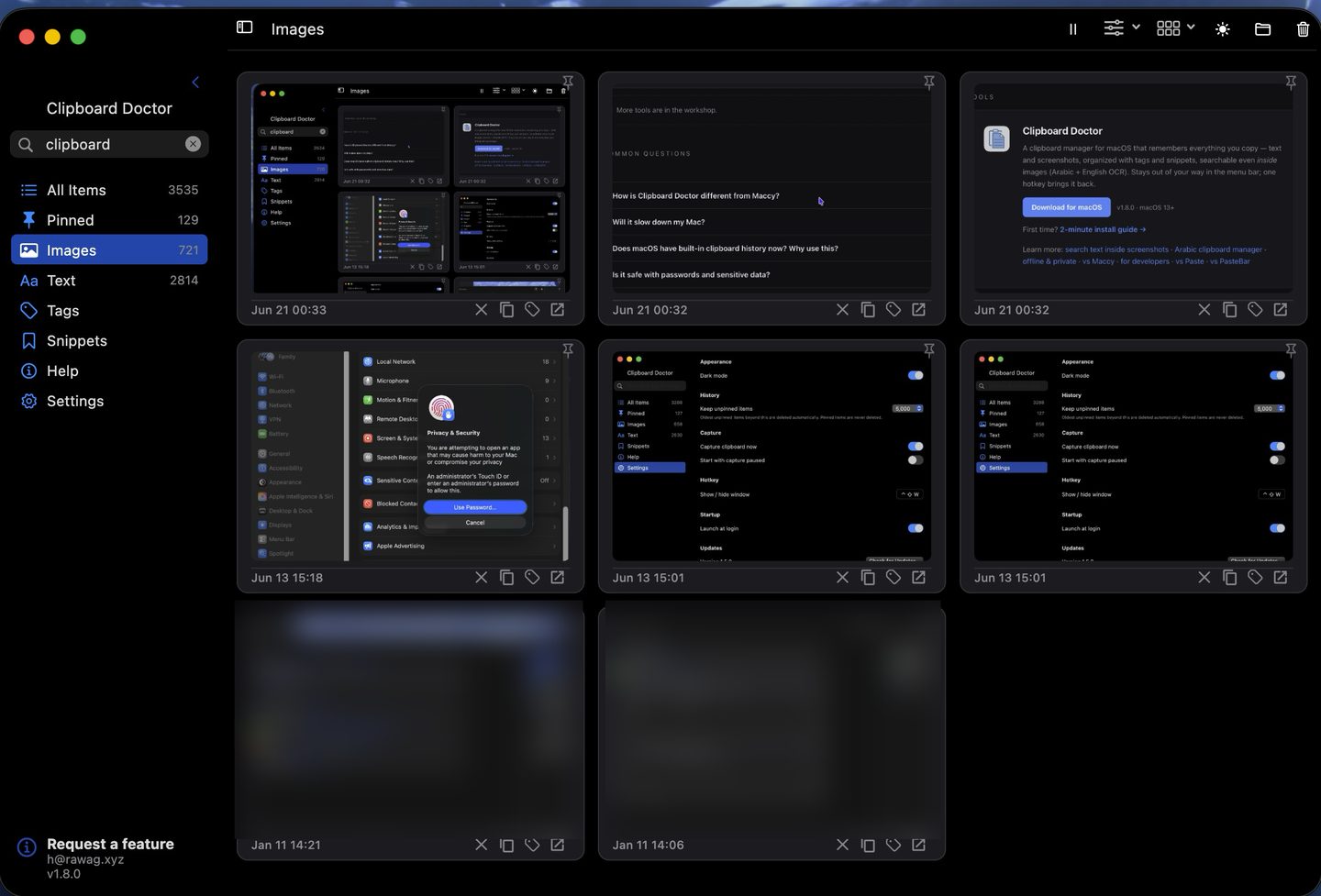
Short answer: If you want deep paste automation — rule-based organization, text-transform filters, sequential paste — and you're on macOS 26, Pastebot 3 is a polished, powerful buy. If you want a free tool that runs on older Macs and can find a screenshot later by the words inside it (Arabic, English, or both), Clipboard Doctor is built for that.
Feature comparison
| Feature | Clipboard Doctor | Pastebot 3 |
|---|---|---|
| Price | Free | $24.99/yr (App Store) or $39 direct |
| macOS requirement | macOS 13+ (Ventura) | macOS 26 Tahoe or later |
| Text clipboard history | Yes | Yes |
| Image / screenshot history | Yes | Yes |
| Search text inside screenshots | Yes — on-device OCR | No |
| Arabic OCR | Yes | No |
| Paste filters / text transforms | No | Yes — a signature feature |
| Sequential paste (stacks) | No | Yes |
| Rule-based organization | Tags & snippets | Smart Pastebins |
| Account required | None | None |
| Cloud sync | No — local only | No — local only |
| Global hotkey | Yes (⌃⇧W) | Yes (⌃⌥V) |
| Free trial | Free forever | 14-day trial |
Where Pastebot wins
Pastebot is a power user's clipboard tool, and Pastebot 3 leans into that. Its paste filters let you transform text on the way out — strip formatting, change case, run find-and-replace, chain steps — which nothing in Clipboard Doctor matches. Smart Pastebins organize clippings by rules automatically, and sequential paste (stacks) lets you copy several things, then paste them one after another in order. Tapbots' design and polish are a genuine draw. If deep automation is your goal and you're already on macOS 26, Pastebot 3 earns its price.
Where Clipboard Doctor wins
The first divide is who can run it. Pastebot 3 requires macOS 26 Tahoe — if your Mac is on Ventura, Sonoma, or Sequoia, you can't run it without upgrading the whole OS. Clipboard Doctor runs on macOS 13 and later, so it works on years of older machines that Pastebot 3 leaves behind. And it's free, with no trial clock and no subscription.
The second divide is screenshots. Both apps keep images in history, but only Clipboard Doctor runs on-device OCR over each one — so you can find a screenshot weeks later by a phrase that appears inside it. It reads Arabic and English simultaneously, with full right-to-left handling, so an Arabic invoice or a mixed Arabic–English chat becomes findable by its text. Pastebot has no OCR, so its image history is browse-only.
Download Clipboard Doctor — freemacOS 13+ · 2-minute install guide
Questions
Is there a free alternative to Pastebot?
Clipboard Doctor is free and covers the everyday clipboard-manager job: searchable text and image history, pinning, tags, and a global hotkey. It doesn't have Pastebot's paste filters or sequential paste, but it adds on-device OCR to search inside screenshots — and it runs on macOS 13+, where Pastebot 3 needs macOS 26.
Does Pastebot 3 really require macOS 26?
Yes. Pastebot 3, released in 2026, lists macOS 26 Tahoe or later as its minimum. If you're on an earlier macOS and don't want to upgrade the whole OS just for a clipboard manager, Clipboard Doctor (macOS 13+) is a way to get searchable history today.
Can Pastebot search the text inside a screenshot?
No. Pastebot keeps images in its history, but it doesn't read the text inside them, so you can't search a screenshot by its words. Clipboard Doctor runs OCR on every image it stores — in Arabic and English — so screenshots are searchable like text.
Are both apps private?
Both store history locally and need no account. Clipboard Doctor makes zero outbound connections during normal use — you can verify this with Little Snitch — and does all OCR on-device, so nothing you copy leaves your Mac.
Also see: search text inside screenshots · offline & private · Arabic clipboard manager